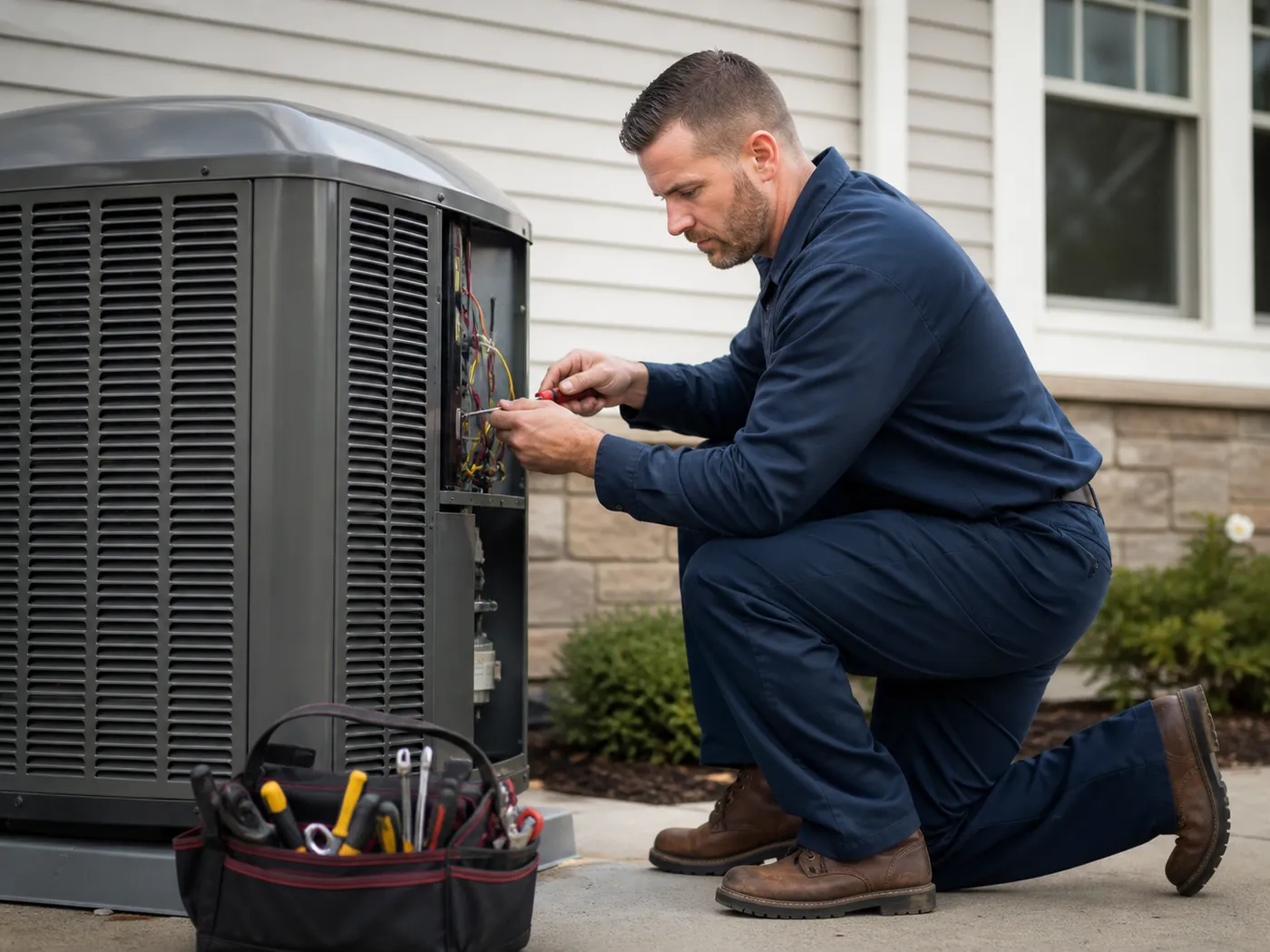
When a homeowner's AC dies in the middle of July or their furnace stops working on a freezing January night, they're not browsing websites for fun. They need help right now. If your HVAC website isn't designed to convert those desperate, high-intent visitors into phone calls within seconds, you're losing your most profitable jobs to competitors who are.
HVAC websites have unique design requirements that general contractor sites don't face — it's why HVAC web design is its own discipline. You're dealing with emergency-driven traffic, seasonal demand swings, complex service offerings, and customers who need to trust you with access to their homes. This guide covers the 8 best practices that separate HVAC websites generating 50+ calls per month from those collecting digital dust.
Emergency CTAs That Drive Calls
The single most important element on any HVAC website is the emergency call-to-action. Unlike a kitchen remodel or a fence installation, HVAC emergencies are time-sensitive and high-value. A homeowner whose pipes are about to freeze or whose family is sweltering in 100-degree heat will call the first company they see with a clear, prominent phone number.
Anatomy of a High-Converting Emergency CTA
- Sticky header phone number: A click-to-call phone number that stays visible as users scroll. Use a contrasting color (red or orange) to signal urgency
- 24/7 emergency badge: Display a pulsing or animated badge that says "24/7 Emergency Service" right next to your phone number
- Emergency-specific landing page: Create a dedicated "/emergency" page optimized for "emergency HVAC repair near me" searches
- After-hours messaging: If you don't offer 24/7 service, set clear expectations about response times and offer a form for non-emergency requests
- Multiple contact methods: Phone, text, and a simple 3-field emergency form for customers who can't call
Real Results: More Heat More Cool
When we redesigned the More Heat More Cool website, we implemented a sticky emergency CTA bar with click-to-call functionality and a pulsing "Emergency Service Available" indicator. The result: 180% increase in emergency service calls within the first 90 days, with the majority of those calls coming from mobile users during evening and weekend hours.
Your emergency CTA should be the most visually prominent element on every page. Don't bury your phone number in the footer or hide it behind a hamburger menu. When someone's furnace just died, they should be able to call you within 2 seconds of landing on your site.
Mobile-First Design for HVAC Companies
With 87% of HVAC-related searches happening on smartphones, mobile-first design isn't optional for HVAC companies—it's the foundation of your entire online strategy. Most of your emergency calls come from someone standing in front of a broken unit with their phone in hand, searching "AC repair near me."
Mobile Speed Requirements
Your HVAC website must load in under 3 seconds on mobile. Every additional second increases bounce rate by 32%. Compress images, use lazy loading, and choose a fast hosting provider. A slow site on mobile is a lost emergency call.
Thumb-Friendly Navigation
Place your most important actions—phone number, emergency button, and service request form—within thumb reach at the bottom of the mobile screen. Users shouldn't need to stretch to the top of their phone to call you.
Click-to-Call Everywhere
Every phone number on your site should be a clickable tel: link. Include click-to-call buttons on every page, in the header, in the footer, and within your content. Make calling you effortless.
Simplified Mobile Forms
Mobile forms should have a maximum of 4 fields: name, phone, service needed (dropdown), and a brief description. Use large tap targets, auto-fill support, and a tel input type for phone numbers.
Mobile Testing Checklist
Test your HVAC website on at least 3 different phone models and both iOS and Android. Check that your phone number is clickable, forms are easy to fill out with a thumb, and your emergency CTA is visible without scrolling. Use Google's PageSpeed Insights to verify your mobile performance score is above 85.
Service Area Page Strategy
HVAC companies are inherently local businesses. You serve specific cities, towns, and neighborhoods—and your website needs individual pages for each one. Service area pages are the backbone of local SEO for HVAC companies because they allow you to rank for location-specific searches like "AC repair in [city]" or "furnace installation [town name]."
How to Structure HVAC Service Area Pages
1. One page per city/town: Create a unique page for each city or town you serve. Don't just swap out the city name—include specific details about that area.
2. Location-specific content: Mention local landmarks, neighborhoods, zip codes, and common HVAC issues in that area (e.g., older homes with outdated ductwork).
3. Service + location combinations: Create pages like "/ac-repair-springfield" and "/furnace-installation-republic" that target specific service-location keyword pairs.
4. Local reviews and testimonials: Feature reviews from customers in that specific area. "John from Springfield" is more convincing to Springfield residents than a generic testimonial.
5. Embedded Google Map: Include a Google Map showing your service coverage for that area. This also signals to Google that you're a legitimate local business.
- URL structure: Use clean URLs like /hvac-services/springfield-mo instead of query parameters or generic pages
- Unique meta titles: Each page needs a unique title tag: "AC Repair & HVAC Services in Springfield, MO | [Company Name]"
- Internal linking: Link between service area pages and your main service pages to build a strong internal link structure
- Schema markup: Add LocalBusiness schema with your service area specified for each location page
How Many Service Area Pages Do You Need?
Start with your top 5-10 cities by revenue and expand from there. Each page should have a minimum of 500 words of unique content. Don't create thin, duplicate pages by just swapping city names—Google will penalize this. Quality over quantity wins every time.
Seasonal Content Rotation Strategy
HVAC is one of the most seasonal businesses that exists. Your website traffic, search terms, and customer needs shift dramatically between summer and winter. A static website that looks the same in July and January is missing a massive opportunity to capture seasonal search traffic and speak directly to what customers need right now.
Summer Content Strategy (May-September)
- Hero section: Feature AC repair and cooling services with summer imagery
- Blog posts: "How to Lower Your AC Bill This Summer," "Signs Your AC Needs Repair"
- Service highlights: AC tune-ups, refrigerant recharges, new AC installation
- Seasonal offers: Pre-summer AC inspection specials, new system discounts
- Emergency focus: "AC Not Cooling? Call Now for Same-Day Repair"
Winter Content Strategy (October-April)
- Hero section: Feature furnace repair and heating services with winter imagery
- Blog posts: "Prevent Frozen Pipes This Winter," "Furnace Maintenance Checklist"
- Service highlights: Furnace tune-ups, heat pump installation, duct cleaning
- Seasonal offers: Fall furnace inspection specials, heating system upgrades
- Emergency focus: "No Heat? 24/7 Emergency Furnace Repair Available"
How to Implement Seasonal Rotation
Homepage hero swap: Change your main hero image, headline, and primary CTA to match the current season. In summer, lead with cooling. In winter, lead with heating.
Seasonal landing pages: Create permanent pages for "/ac-repair" and "/furnace-repair" that rank year-round, but adjust homepage priority based on season.
Blog content calendar: Publish heating-related content in September-October before demand peaks, and cooling content in March-April. This gives Google time to index and rank your seasonal pages.
Google Business Profile updates: Update your GBP posts, photos, and services to reflect seasonal offerings. Post weekly during peak seasons.
Pro Tip: Shoulder Season Strategy
The transition periods (March-April and September-October) are gold mines for HVAC content marketing. Homeowners are thinking about their systems before extreme weather hits. Publish "prepare your system" content during these months to capture early-intent searches and book maintenance appointments before the rush.
Reviews & Trust Signals for HVAC
HVAC customers are inviting strangers into their homes to work on complex, expensive systems. Trust isn't optional—it's the deciding factor. 92% of consumers read online reviews before choosing an HVAC company, and your website needs to prominently display the social proof that eliminates doubt and builds confidence.
Google Reviews Integration
Embed your Google reviews directly on your website using a widget or API integration. Display your overall star rating, total review count, and rotate through your best reviews on the homepage. Fresh reviews are a powerful trust signal for both customers and search engines.
Licensing & Certifications
Display your HVAC contractor's license, EPA certifications, NATE certifications, and insurance coverage prominently. Create a dedicated "About" or "Why Choose Us" page with team photos, certifications, and years of experience.
Before & After Projects
Show completed HVAC installations with professional photos. A new high-efficiency system installation with a brief description of the problem, solution, and customer testimonial is incredibly persuasive.
Trust Badges & Guarantees
Display manufacturer partnerships (Carrier, Trane, Lennox), BBB accreditation, satisfaction guarantees, and warranty information. These badges reduce perceived risk and differentiate you from unlicensed competitors.
Review Generation Strategy for HVAC
- Ask at the right moment: Send a review request via text message 2-4 hours after completing a service call, while the positive experience is fresh
- Make it effortless: Include a direct link to your Google review page. The fewer clicks, the higher the completion rate
- Respond to every review: Thank positive reviewers by name and address negative reviews professionally. This shows future customers you care
- Feature reviews strategically: Place your best emergency repair reviews on your emergency page, and installation reviews on your installation page
- Aim for volume: HVAC companies with 100+ Google reviews consistently outrank those with fewer, even if star ratings are similar
The Trust Equation
For HVAC websites, trust is built through a combination of reviews (social proof) + credentials (authority) + transparency (pricing/guarantees). Missing any one of these elements weakens the others. A company with great reviews but no visible license information still creates doubt. Build all three pillars on your website.
Local SEO Specifically for HVAC
Local SEO is the single most important marketing channel for HVAC companies because virtually every HVAC search is local. Nobody searches for "AC repair" without Google automatically applying a local filter. Ranking in the Google Maps "Local Pack" (the map with 3 business listings) for your key service terms is the fastest path to consistent lead generation.
HVAC-Specific Keyword Targets
Emergency keywords: "emergency AC repair [city]," "24 hour furnace repair near me," "emergency HVAC service [city]"
Service keywords: "AC installation [city]," "furnace tune-up [city]," "duct cleaning near me," "heat pump repair [city]"
Brand + location: "[Company name] HVAC [city]," "[Company name] reviews"
Problem-based keywords: "AC not cooling," "furnace won't start," "strange noise from HVAC unit," "high energy bills heating"
Comparison keywords: "best HVAC company [city]," "top rated AC repair near me," "HVAC companies [city] reviews"
Google Business Profile Optimization for HVAC
- Complete every field: Business name, address, phone, hours (including emergency hours), service area, and all HVAC-specific categories
- Primary category: Set your primary category to "HVAC Contractor" and add secondary categories like "Air Conditioning Repair Service" and "Furnace Repair Service"
- Weekly GBP posts: Share seasonal tips, completed project photos, special offers, and company updates at least once per week
- Q&A section: Proactively add common questions and answers to your GBP listing. This prevents competitors from posting misleading questions
- Photo updates: Upload new photos of completed jobs, your team, and your vehicles monthly. BrightLocal's research found listings with 100+ photos receive far more calls than listings with few
Technical SEO for HVAC Websites
Beyond content and GBP optimization, make sure your HVAC website has LocalBusiness schema markup on every page, an XML sitemap submitted to Google Search Console, fast mobile loading speeds, and SSL encryption. These technical foundations make everything else work better. Check out our Local SEO Checklist for the complete technical guide.
Your HVAC website is your hardest-working employee—it generates leads 24 hours a day, 7 days a week, 365 days a year. By implementing these 8 best practices—emergency CTAs, mobile-first design, service area pages, seasonal content, reviews, trust signals, and local SEO—you'll build a website that doesn't just look professional but actually generates the emergency calls and service requests that grow your business.
Ready to Build an HVAC Website That Generates Calls?
At Heck of a Website, we've built high-converting HVAC websites like More Heat More Cool that deliver real results. Our web design for HVAC companies is built around these exact best practices, and we design every site for maximum emergency call conversion. Schedule a free consultation to discuss your HVAC website project.